Passkeys, not passwords
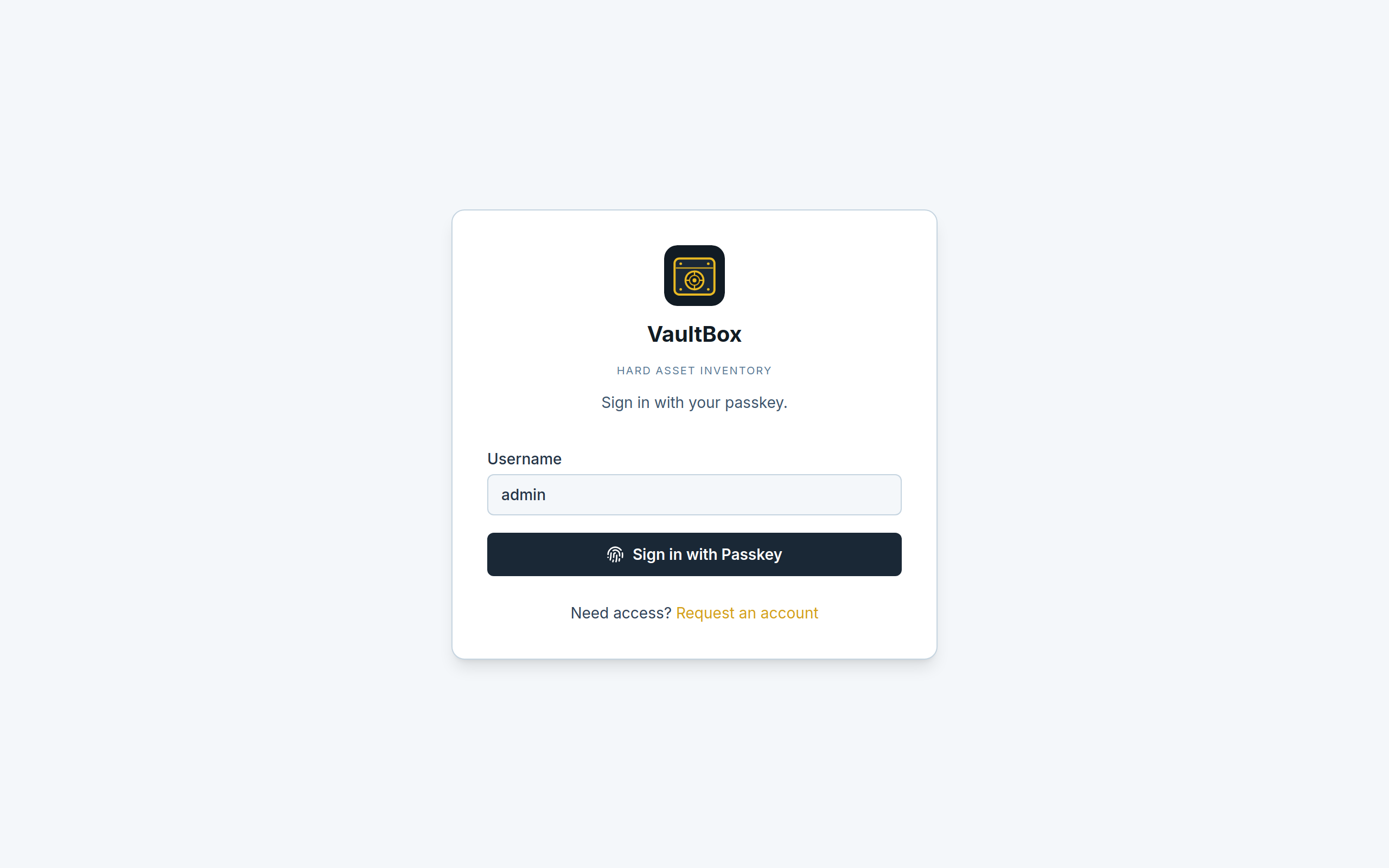
WebAuthn is the sign-in method. Open the app at localhost (or your chosen hostname).
 VaultBoxHard asset inventory
Open source · local-first
Track bullion, crypto, and other vaulted goods with passkeys, live prices, audits, and QR labels. Data stays in SQLite on your machine. VaultBox is not a public internet service.
Desktop browser required. The app does not render on phones or tablets yet.
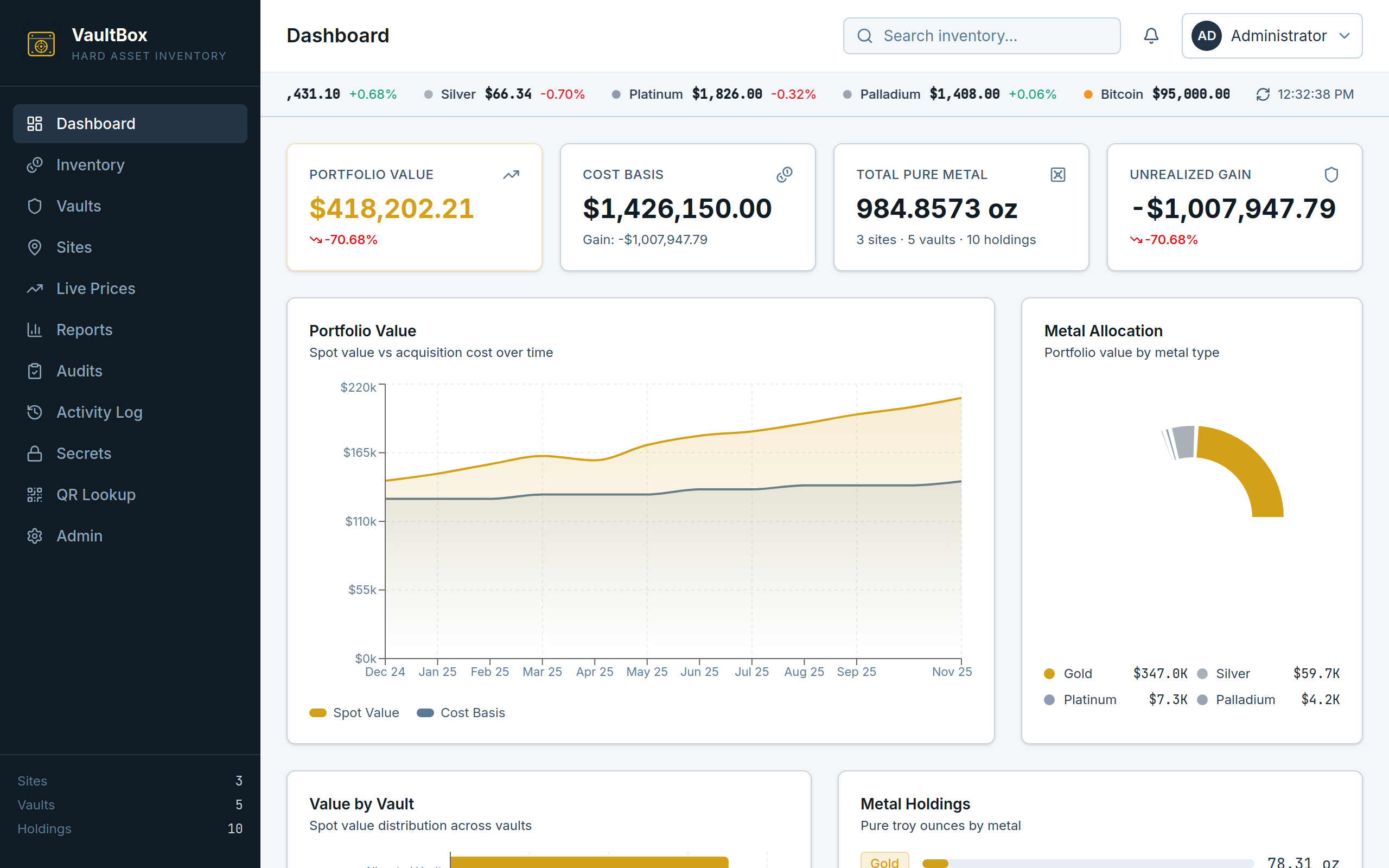
Sign in with passkeys. Inventory lives in sites, vaults, and holdings. You keep the database, the encryption key, and the backups. Nothing here is a hosted product.
WebAuthn is the sign-in method. Open the app at localhost (or your chosen hostname).
Holdings, live metal and ticker prices, vault audits, PDF reports, QR labels, and encrypted secrets.
Docker or Podman: UI, API, and SQLite in a single image. Optional Caddy for HTTPS on the LAN.
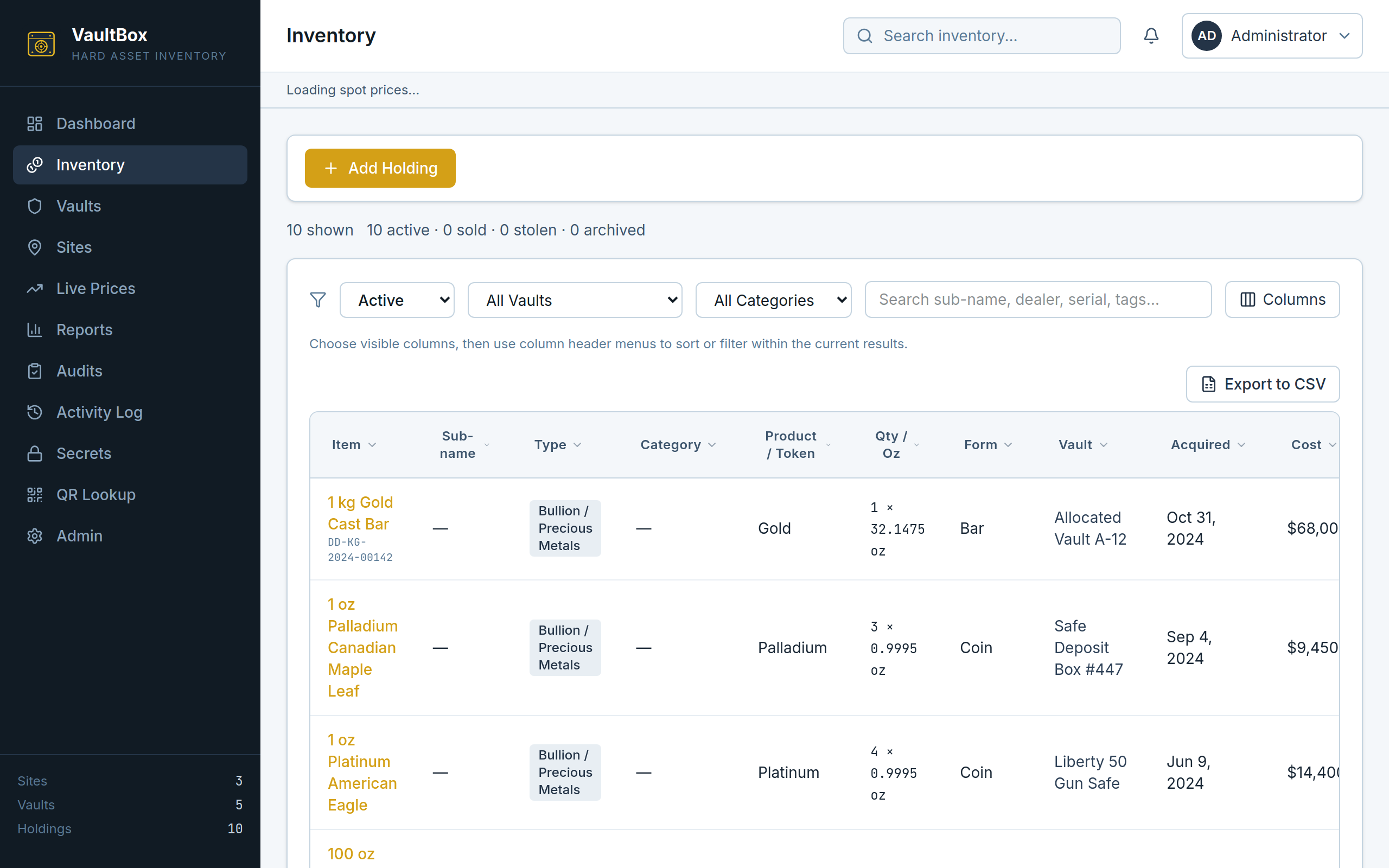
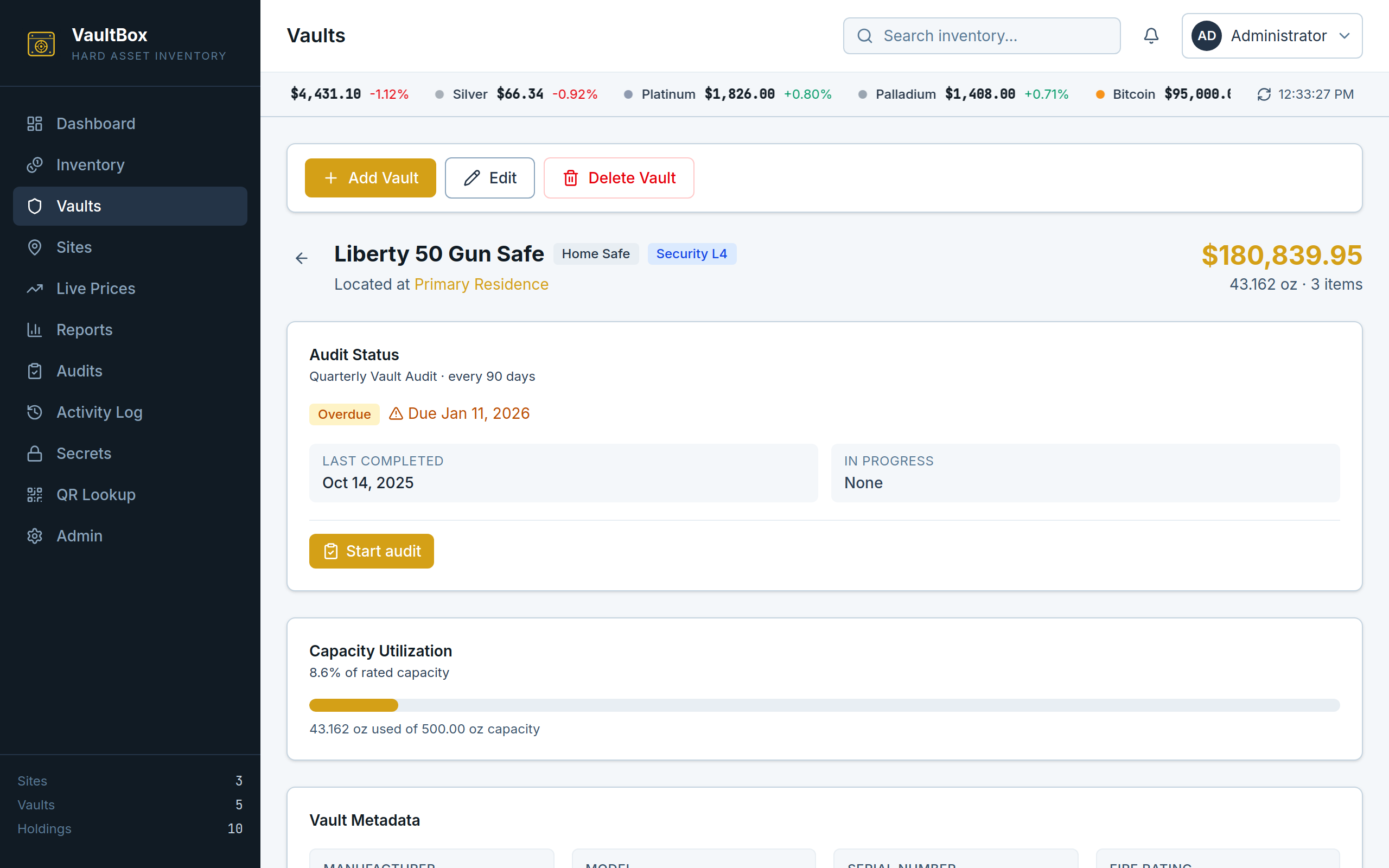
A throwaway copy with fake seed data. It wipes every 30 minutes. Do not enter real secrets, seed phrases, or backup passwords. VaultBox is still local-first software you run yourself — this is not a hosted product. Open the demo on a desktop browser; mobile is not supported yet.
Start a demo admin session (Full Admin, no passkey) or register a passkey as Viewer.
Hostname, SSO/OAuth, backups, and file uploads stay on screen but cannot be changed. Mail and Apprise are off.
Every 30 minutes the seed restores and visitor passkeys die. Treat it as disposable.
Docker Engine or Podman. After bootstrap, open http://localhost:8000 (not 127.0.0.1) and register the admin passkey. Podman and HTTPS notes are in the README.
git clone https://github.com/Ty-Haller/VaultBox.git
cd VaultBox
chmod +x scripts/bootstrap.sh
./scripts/bootstrap.shcp .env.example .env
docker compose up --build -dThis is donation-funded software, not a hosted billing product.
 React
React TypeScript
 Vite
Vite Tailwind CSS
 Django
 SQLite
 Docker